
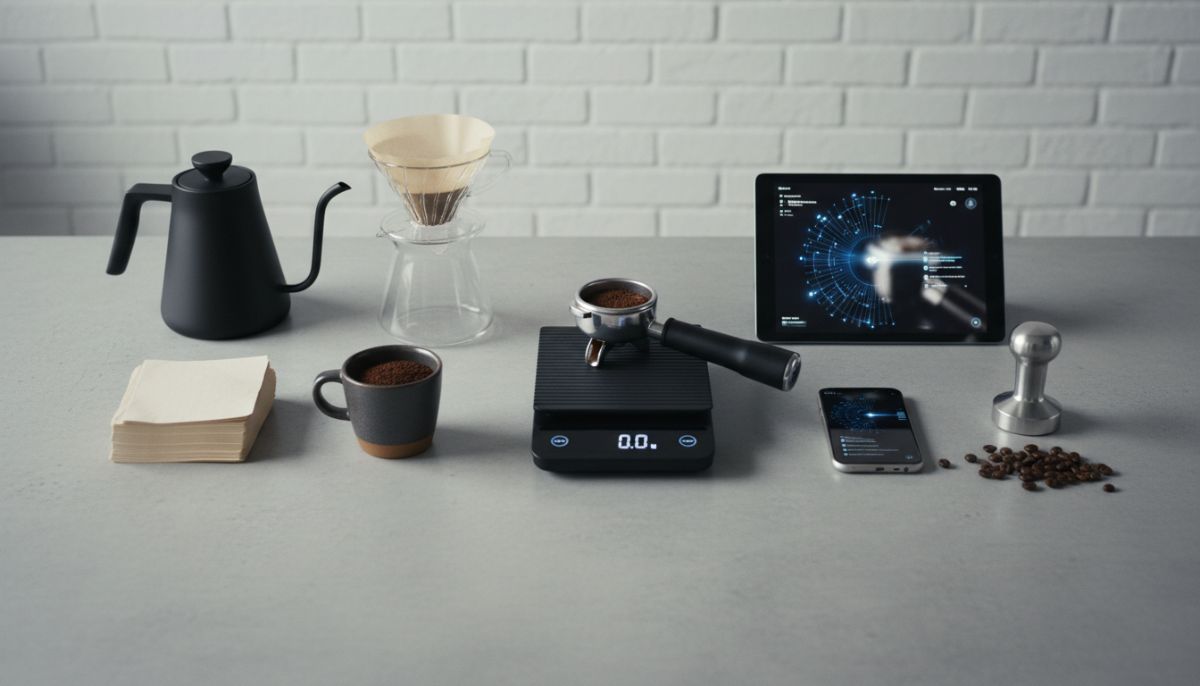
Are smart scales with Bluetooth connectivity a game-changer for your espresso or just an expensive gimmick? We break down the data, the workflow, and the value proposition.
Key Takeaways
- Data Visualization: Bluetooth scales allow you to visualize flow rate and extraction in real-time, which is critical for diagnosing shot consistency.
- Training Tool: App connectivity acts as effective “training wheels” for beginners learning to control pour-over speeds or manual espresso levers.
- Workflow Friction: Relying on a phone app can introduce friction to the morning routine; sometimes, a simple timer and weight display is superior.
- Price vs. Value: Smart scales command a premium price tag that is only justified if you intend to analyze the data they produce.
In the world of specialty coffee, the pursuit of perfection often leads down a rabbit hole of gadgets. We have precision baskets, Weiss Distribution Tools, and grinders that cost more than used cars. Among these high-tech accessories, the smart scale stands out. It promises not just to weigh your beans, but to connect to your smartphone, log your brews, and graph your flow rates.
But does your morning cup actually benefit from a Bluetooth connection? Or is this another case of technology solving a problem that didn’t exist? For the home barista debating between a $20 Amazon scale and a $250 Acaia Lunar, the answer isn’t always black and white. It depends entirely on what you want to achieve with your coffee.
The Evolution of the Coffee Scale
To understand the debate, we have to look at why we weigh coffee in the first place. Consistency is the holy grail of espresso and pour-over brewing. You cannot improve what you cannot measure. Years ago, we moved away from scooping beans by volume because density varies based on roast level and origin.
Today, every serious home barista knows how to dial in espresso using ratios and yield. You weigh your dose, and you weigh your liquid output. For this fundamental task, any scale with 0.1g precision and a fast refresh rate works. The “smart” revolution adds a third dimension to this data: time-based analysis and connectivity.
Smart scales don’t just tell you what happened; they tell you how it happened. By transmitting weight data to a phone app multiple times per second, these devices create a digital fingerprint of your brew.
The Case for Bluetooth: Seeing the Invisible
The primary argument for spending the extra money on Bluetooth connectivity is data visualization. When you are standing in front of your machine, watching a shot pull, you can see the color changes and the cone shape. However, you cannot easily judge the exact flow rate in grams per second.
Mastering Flow Rate
For owners of standard espresso machines, flow rate is a constant. The pump turns on, water hits the puck, and coffee comes out. But for those who have upgraded to machines with flow control capabilities, a smart scale is almost mandatory.
Flow control allows you to manipulate the pressure and water debit during the shot. Without a smart scale graphing the output on your phone screen, you are essentially flying blind. You might feel the resistance on the paddle, but the graph tells you if you are stalling the extraction or rushing it. This visual feedback loop helps you replicate that “God Shot” that seemed like a fluke.
Diagnosing Extraction Issues
Even without flow control, a Bluetooth scale is a powerful diagnostic tool. A graph that shows a sudden spike in flow rate halfway through the shot usually indicates a channel—a crack in the coffee puck where water is bypassing the grounds.
If you are struggling with sour or uneven shots, spotting these channels on a graph can tell you that you need to revisit your puck preparation. Perhaps you need to look into the science of puck prep and WDT tools to ensure better distribution. The data doesn’t lie, and seeing a jagged graph is often the wake-up call a barista needs to fix their tamping technique.
The “Training Wheels” Effect
Bluetooth scales are not just for the experts; they are incredible learning tools for beginners. Many smart scale apps, such as those from Acaia or Felicita, allow you to load a “reference curve.”
Imagine you are trying to learn a specific pour-over recipe. The app displays a ghost curve of a champion barista’s pour structure. Your job is simply to pour water so that your real-time line matches the ghost line. It gamifies the brewing process and teaches muscle memory for pouring speeds faster than any book or video could.
This also applies to manual espresso. If you are diving into the world of lever espresso machines, managing the pressure profile manually can be daunting. A smart scale gives you immediate feedback on whether you are pulling too hard or too soft, effectively bridging the gap between novice and pro.
The Argument Against Connectivity: Complexity Fatigue
Despite the benefits, there is a strong argument that smart scales are overkill for 90% of home users. The biggest enemy of a relaxing morning coffee ritual is friction.
To use a smart scale properly, you must:
- Turn on the scale.
- Unlock your phone.
- Open the app (and hope it doesn’t crash).
- Wait for Bluetooth pairing.
- Select your recipe or mode.
- Start brewing.
For many, this turns a sensory experience into a data entry task. If you have just invested in a high-end setup, like moving from an appliance grade to a prosumer machine, you might want to focus on the tactile joy of the machine rather than staring at a screen.
The “Good Enough” Threshold
Once you have dialed in your beans, does the graph really matter for the next 10 shots? Probably not. If you are drinking the same blend every morning, your grind setting and dose are locked in. You likely use a single dosing workflow to ensure freshness. At this stage, you just need to stop the shot at the target weight. A $40 dumb scale does this just as well as a $250 smart scale.
Hardware Quality vs. Software Features
It is worth noting that when you buy a premium smart scale, you aren’t just paying for Bluetooth. You are usually paying for superior build quality, water resistance, and reaction speed.
Cheap scales often have a lag time. You stop the pump when the screen says 36g, but the scale catches up a second later and reads 40g. In espresso, that 4g difference changes the flavor balance significantly. High-end smart scales usually have ultra-fast response times. However, there are now non-Bluetooth scales on the market (like the Timemore Black Mirror Basic) that offer fast response times without the connectivity premium.
Who Should Buy a Smart Scale?
To decide if Bluetooth is worth the investment, ask yourself where you fall on the spectrum of coffee brewers.
The Data Analyst
If you keep a notebook of your brews, if you own a refractometer, or if you are constantly tweaking variables to extract different flavor notes, you need a smart scale. The ability to save logs and compare shots over time is invaluable for your process. It allows you to troubleshoot why your espresso tastes sour by looking at historical flow data.
The Flow Profiler
If you own a Decent DE1, a Slayer, or an E61 machine with a flow control kit, the smart scale is an essential extension of your machine. It is the speedometer to your sports car.
The Morning Ritualist
If you just want a great cappuccino before work and don’t care about the physics of why it tastes good, skip the Bluetooth. Save the money and put it toward better beans or a precision basket. As long as you are weighing your input and output, you are already ahead of the curve.
Conclusion
Bluetooth connectivity in coffee scales is a feature, not a necessity. It unlocks a deeper level of analysis and creates a feedback loop that accelerates learning and consistency. However, it also adds a layer of technology to an analog process. For the enthusiast chasing the absolute peak of extraction, it is a justifiable expense. For the coffee lover who simply wants a consistent wake-up call, a fast, reliable, dumb scale is all you need.
Ultimately, the best scale is the one that fits your workflow. If pulling out your phone feels like a chore, the smart features will go unused. But if that data helps you brew a sweeter, more balanced cup, it is worth every penny.
Frequently Asked Questions
Indirectly, yes. The scale itself doesn’t change the flavor, but the data it provides (flow rate and time) helps you diagnose extraction issues like channeling, allowing you to adjust your technique for better results.
You can, but most kitchen scales are too large for an espresso drip tray and lack the necessary speed and 0.1g precision required for dialing in espresso recipes.
No. All smart scales function as standalone scales showing weight and time. You only need to connect the app when you want to log data, view flow graphs, or update firmware.
While it is most effective on machines with flow control, visualizing flow rate on a manual lever machine or even a standard machine can help you identify consistency issues with your tamping or grinding.
The primary downsides are cost and potential connectivity issues. High-end smart scales are significantly more expensive than standard scales, and Bluetooth pairing can occasionally be glitchy.